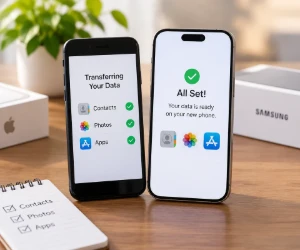
The Basics Before Setup
Both phones need enough charge, access to Wi-Fi and room for the content being copied. The old phone's screen-lock code and the account email and password are useful to have ready. A current backup provides another route to saved information.
For a replacement with less storage, the transfer screen can help narrow the selection. Contacts and recent photos may matter more than downloaded movies or apps no longer used.
Moving Contacts, Photos and Files
For Android-to-Android moves, Google's transfer guide covers copying data and restoring a backup. For iPhone-to-iPhone moves, Apple Quick Start walks through setup with the old device nearby.
A change between platforms has its own steps. Google's iPhone-to-Android guide and Apple's Move to iOS guide cover the two directions.
The new phone's setup screens offer the available copy methods, which may use a cable or wireless connection. Keeping the devices connected until the transfer finishes helps the process complete. The amount of content that moves depends on the devices and method.
For an iPhone moving to Android, Google's guide also covers turning off iMessage and handling photos stored in iCloud. Those details can help with missing messages or pictures after the switch.
Related searches: Phone Accessories · Phone Chargers · Cell Phone Plans
Contacts already saved to a Google Account appear on a new Android phone after sign-in. Contacts stored only on the old phone or SIM may need importing. Adding the same account can also help when the new phone has already been set up.
Cloud photos and files saved on the device deserve separate checks. A few older pictures, recent videos and important downloaded documents provide a useful sample. A visible thumbnail alone does not confirm that an original file is available offline.
Checking Apps and Account Access
An app appearing on the new phone does not always mean its messages, saved files or sign-in details have moved. Email, banking and messaging apps may need another sign-in or their own restore process.
Verification codes deserve attention before the old phone is cleared. Google Authenticator can sync codes through a Google Account or transfer them manually when used without an account. Other authenticator apps have their own procedures.
A test call, a text message, several contacts and the most important apps cover much of daily use. The old device stays intact until the owner confirms that needed data and account access are available on the replacement.
For readers still comparing devices and service, OFree's free phone or existing phone guide covers that choice.
More offers appear in Free Cell Phones & Wireless Service, with further help in Freebie Guides & Tutorials.